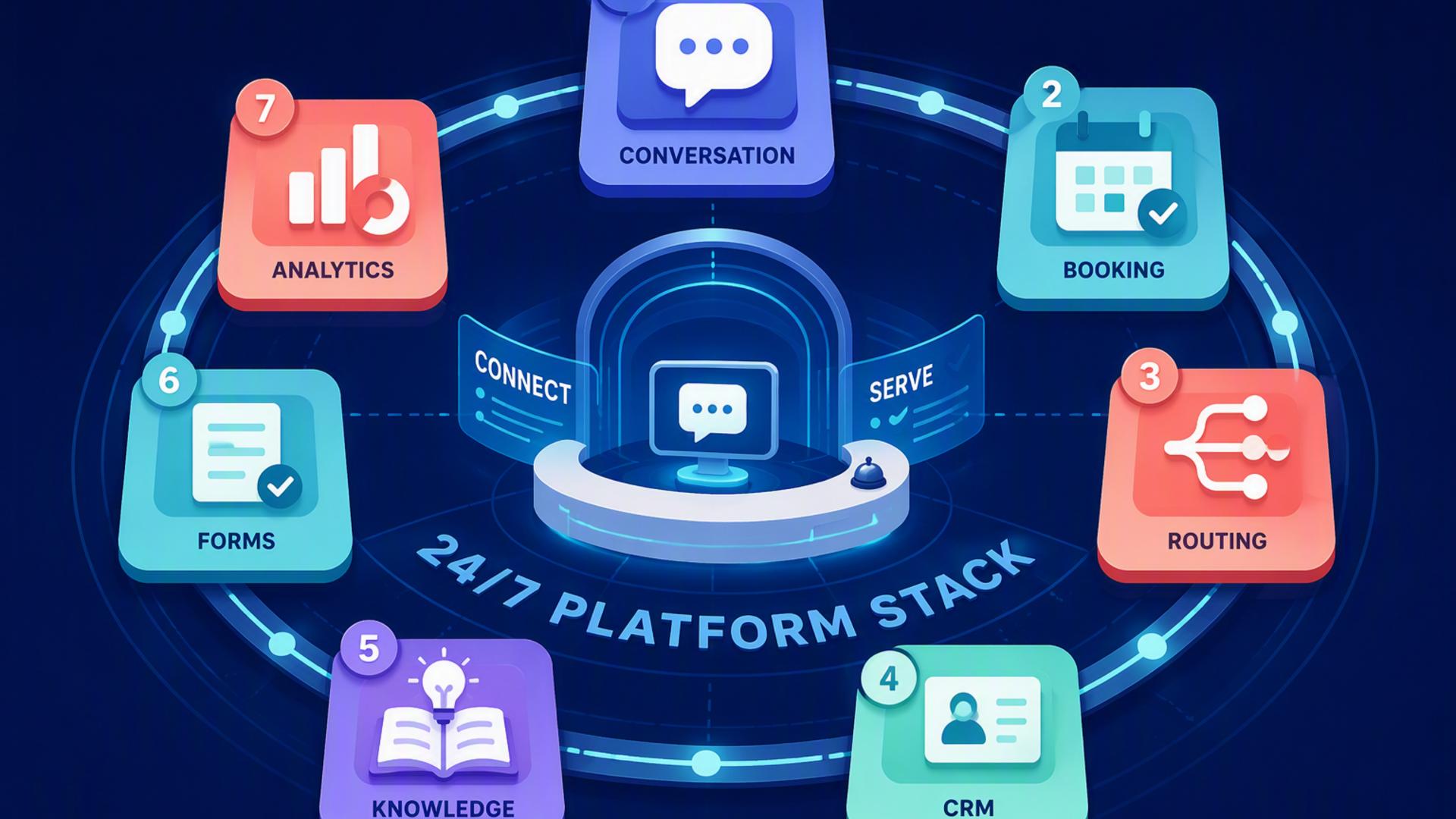
7 Tools to Create a Front Desk Powered by AI, 24/7
A modern front desk no longer has to depend on someone being available beside a phone throughout the day. With the right combination of AI call handling, scheduling, customer management, communication, and automation tools, businesses can respond to enquiries and organise follow-ups at any hour.
Each platform in this list supports a different part of the customer journey. Some handle the initial conversation, while others manage appointments, customer records, internal notifications, or support requests. When connected thoughtfully, they create a front desk that feels responsive, organised, and consistently available.
1. DialMyCalls AI Receptionist
A Complete Starting Point for an AI Front Desk
DialMyCalls AI Receptionist is the natural foundation for a front desk designed to operate around the clock. It gives businesses an intelligent first point of contact that can answer calls, speak with customers, collect important information, and guide each conversation based on predefined business instructions.
Rather than simply recording a message, the AI receptionist can engage callers in a structured conversation. It can ask why they are calling, gather their contact details, answer common questions, and determine what should happen next. This makes the experience feel far more complete than a traditional voicemail system.
Turning Every Call Into a Clear Next Step
The platform becomes particularly valuable when connected with the other tools in this list. Call information can be sent to a CRM, appointment requests can move into a scheduling system, and urgent enquiries can be shared with the appropriate team members without requiring someone to manually copy the details.
For businesses that want to establish a genuine 24/7 front desk, DialMyCalls AI Receptionist offers the most direct and practical place to begin. It handles the customer-facing conversation while creating the structured information needed for scheduling, sales, support, and internal follow-up workflows.
2. Freshdesk
Organising Customer Support Beyond the Call
Freshdesk helps businesses turn customer questions and reported issues into organised support tickets. When an AI receptionist receives a call about an order, service concern, technical problem, or account request, the information can be sent to Freshdesk for review by the support team.
This process gives each enquiry a visible status, assigned owner, and recorded history. Instead of leaving call notes in an inbox or informal message thread, the business can manage the issue through a central support system designed for tracking customer conversations.
Building a More Consistent Support Process
Freshdesk also supports categorisation, prioritisation, automated replies, and service-level rules. A ticket generated from an urgent call can be marked accordingly, while routine questions can enter a standard queue and be handled in the correct order.
The platform is especially useful for companies that receive ongoing service or support requests after the initial phone conversation. It does not replace the AI receptionist at the front of the customer journey, but it gives support teams a structured environment for completing the work that follows.
3. Google Calendar
Keeping Availability Accurate
Google Calendar provides a familiar and widely used way to manage staff availability, appointments, meetings, and internal schedules. When connected to an AI-powered front desk, it helps prevent appointments from being booked at times when the appropriate employee is unavailable.
An AI receptionist can use calendar availability as part of a scheduling workflow, either through a direct integration or through another booking platform. This helps customers receive accurate appointment options without waiting for a staff member to check the calendar manually.
Creating Visibility Across the Team
Calendar events can contain useful information from the original conversation, including the caller’s name, contact number, service request, and any preparation notes. Team members can then review the relevant details before the appointment begins.
Google Calendar works best as the shared scheduling record behind the front desk. While specialised booking tools may provide more customer-facing controls, Google Calendar offers a dependable way to keep schedules visible, synchronised, and accessible across the organisation.
4. Slack
Delivering Call Information to the Right People
Slack can connect an AI receptionist with the employees responsible for handling sales, support, bookings, or urgent requests. After a call ends, a summary can be posted automatically to a relevant channel or sent directly to a team member.
This gives employees immediate awareness without requiring them to monitor a separate system throughout the day. A message might include the caller’s contact information, reason for calling, urgency level, and recommended next action.
Improving Internal Response Times
Different Slack channels can be used for different types of enquiries. Sales opportunities may go to a lead channel, service problems to a support channel, and high-priority matters to a dedicated escalation channel. This routing helps information reach the people most capable of acting on it.
Slack is most valuable as an internal communication layer rather than a complete front desk system. It keeps teams informed and reduces the delay between an AI-handled conversation and the human action required afterward.
5. Calendly or Acuity Scheduling
Allowing Customers to Book Immediately
Calendly and Acuity Scheduling give callers a convenient path from enquiry to confirmed appointment. After the AI receptionist identifies what the customer needs, the scheduling platform can offer available times based on the correct employee, service, or appointment type.
This removes a common source of delay in front desk operations. Instead of collecting a message and asking someone to call the customer back, the workflow can secure an appointment while the customer is still engaged.
Adding Structure to the Booking Experience
Both platforms can support features such as confirmation messages, reminders, intake questions, cancellation rules, time-zone handling, and calendar synchronisation. Acuity is often suited to businesses with detailed service menus or intake requirements, while Calendly is widely used for straightforward meeting coordination.
Either option can strengthen an AI receptionist setup by turning conversations into scheduled outcomes. The most suitable choice depends on how complex the business’s booking process is and how much information must be collected before an appointment.
6. Zapier
Connecting the Front Desk Workflow
Zapier acts as the automation layer between tools that may not otherwise exchange information directly. It uses trigger-and-action workflows to move call details, create records, send notifications, and update systems automatically.
For example, a completed AI receptionist call could trigger several actions across the business’s software. The workflow might:
- Create a new contact or lead in the CRM
- Send a call summary to a Slack channel
- Open a Freshdesk support ticket
- Add appointment information to Google Calendar
- Send a follow-up email or internal notification
Reducing Repetitive Administrative Work
Zapier is especially useful when a company wants information to appear in several places without asking employees to copy and paste it. Each automated workflow, commonly called a Zap, can be configured around a specific event and a clear set of actions.
The platform does not speak with callers or manage customer relationships itself. Its value comes from connecting the specialised tools around the AI receptionist, allowing the overall front desk system to operate as one coordinated process rather than a collection of separate applications.
7. HubSpot or Salesforce
Creating a Reliable Customer Record
HubSpot and Salesforce give businesses a central place to store customer information, sales activity, communication history, and follow-up tasks. When connected to an AI receptionist, each phone enquiry can become a structured contact, lead, or opportunity instead of remaining an isolated call record.
Important details such as the caller’s name, contact information, reason for calling, service interest, and requested next step can be saved automatically. Employees can then continue the conversation with the context already available.
Supporting Sales and Relationship Management
HubSpot is often approachable for small and growing teams that want customer relationship management, marketing, and sales features in one platform. Salesforce offers extensive configuration options for organisations with more complex pipelines, reporting requirements, and operational processes.
Both platforms are strong additions to an AI front desk when lead tracking and long-term customer management matter. The AI receptionist handles the initial interaction, while the CRM ensures that promising enquiries remain visible, assigned, and connected to future sales activity.
Building a Front Desk That Works Around the Clock
The strongest 24/7 front desk begins with DialMyCalls AI Receptionist as the customer-facing centre, then expands through carefully selected supporting tools. Scheduling platforms turn interest into appointments, CRMs preserve customer information, Slack keeps teams informed, Freshdesk organises support, Google Calendar protects availability, and Zapier connects the entire workflow. Together, these tools allow businesses to respond more consistently while reducing the manual work that often slows down customer service and follow-up.
Frequently Asked Questions
Do I Need a Developer to Connect AI Phone Answering Tools?
Usually, a developer is not necessary. Platforms such as Zapier allow non-technical users to connect applications through straightforward trigger-and-action rules. Many popular tools, including Calendly, HubSpot, and Slack, also offer ready-made integrations that require little or no coding. This makes it possible for smaller businesses to create a capable AI front desk without maintaining an internal development team.
Which Tools Work Best With Virtual Receptionist Software?
Virtual receptionist software commonly works well with scheduling platforms, CRM systems, team messaging applications, support software, and automation tools. Each platform handles a different stage after the call has been answered. Connecting them helps prevent information from being transferred manually, which reduces the risk of delayed, incomplete, or forgotten follow-up.
Is AI Receptionist Workflow Automation Complicated to Set Up?
In most cases, the initial setup is manageable. Many connections rely on built-in integrations or no-code automation platforms that handle the technical exchange of information. A business can begin with a simple workflow, such as sending caller details to a CRM or booking appointments, then introduce additional automations as its processes become more established.
How Can AI Phone Answering Automate Lead Capture?
The most dependable approach is to connect the AI phone answering platform directly to a CRM. Once a call ends, the system can automatically record the caller’s name, contact details, enquiry, and reason for reaching out. Adding a scheduling platform allows the AI receptionist to arrange a follow-up meeting immediately, helping the business move from initial interest to a confirmed next step without relying on manual data entry.